Selecting a datasource
Every conversation in QRY is bound to a single schema of a single datasource. The Catalog is where you make that selection, navigating a three-level hierarchy: datasource → catalog → schema.
This page covers what each level means, how to switch mid-conversation, and what to do when you don't see what you expect.
The three levels
Datasource A connection your administrator configured: PostgreSQL, BigQuery, Snowflake, Starburst, Databricks, SAP HANA, Oracle, SQL Server, Redshift, Cloudera, Salesforce, etc. You can only see datasources you've been granted access to via RBAC.
Catalog The top-level grouping inside a datasource. The exact meaning is database-specific:
- BigQuery — a project.
- Snowflake / Databricks — a database / catalog.
- PostgreSQL — a database.
- SAP HANA — a database + module combination (see SAP module integration for details).
Schema The collection of tables your queries actually run against. A conversation is bound to one schema; SQL written in the chat targets that schema by default.
Steps
1. Open the Catalog
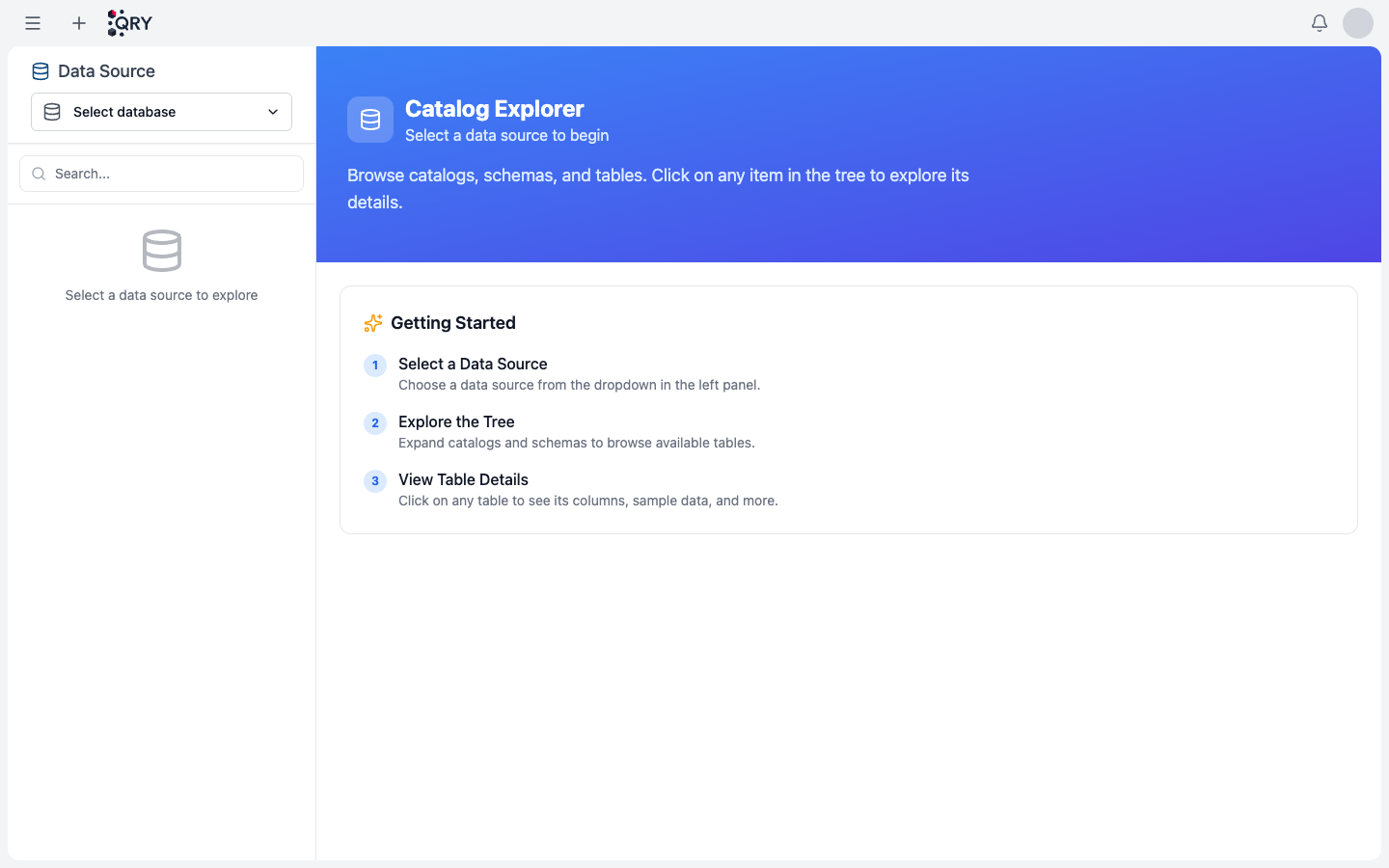
Hover the menu (≡) and click Catalog. You land on the Catalog Explorer.
2. Pick the datasource
Click Select database in the left panel. The dropdown lists every datasource your account can query.
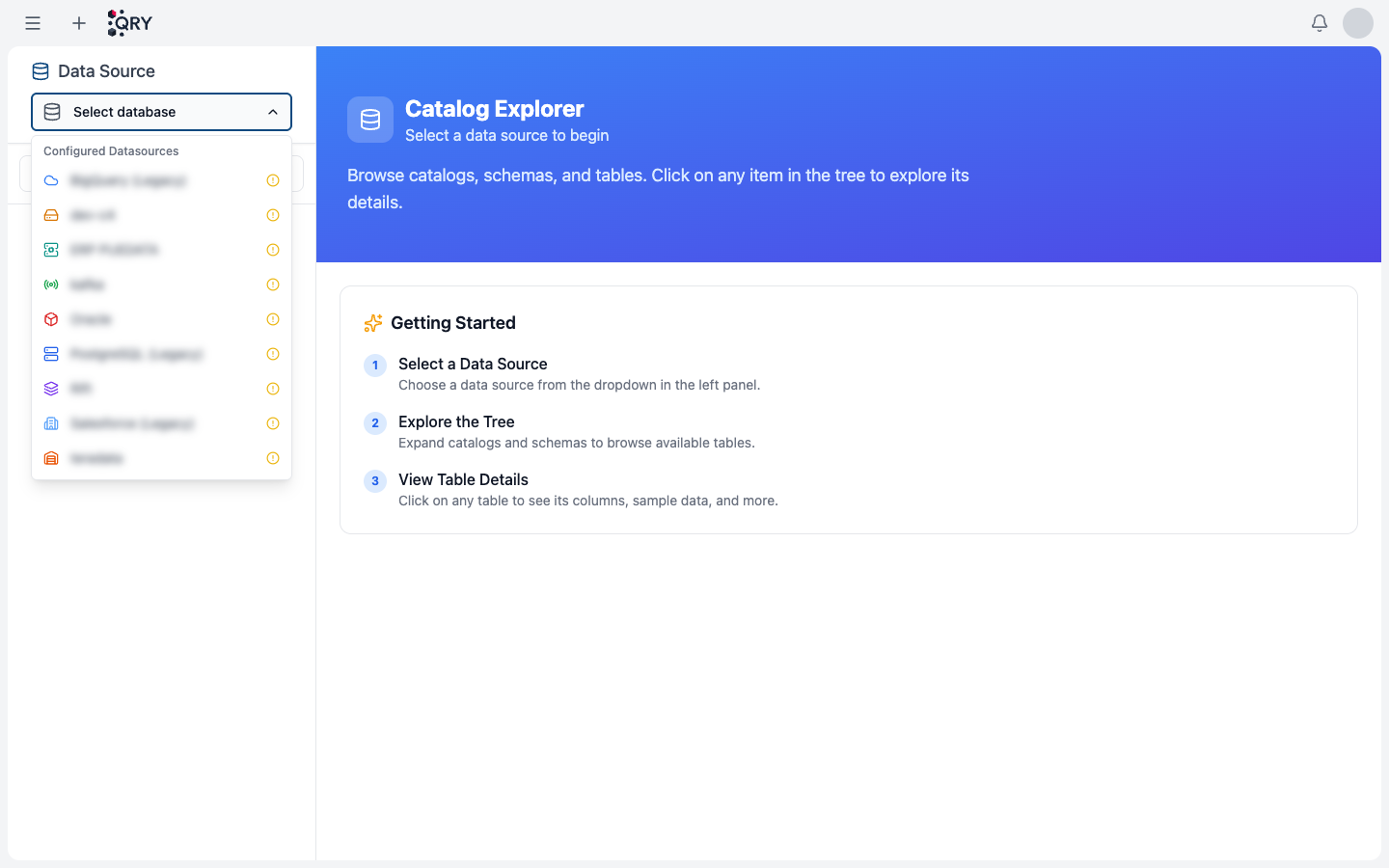
The list is grouped by configuration source. Datasources configured through Admin > Datasources appear under Configured Datasources; legacy datasources defined in environment variables appear under Environment Variables (Legacy).
3. Drill into a catalog and schema
Once a datasource is selected, the panel shows the catalog tree. Expand a catalog to see its schemas, and click the schema you want to chat against.
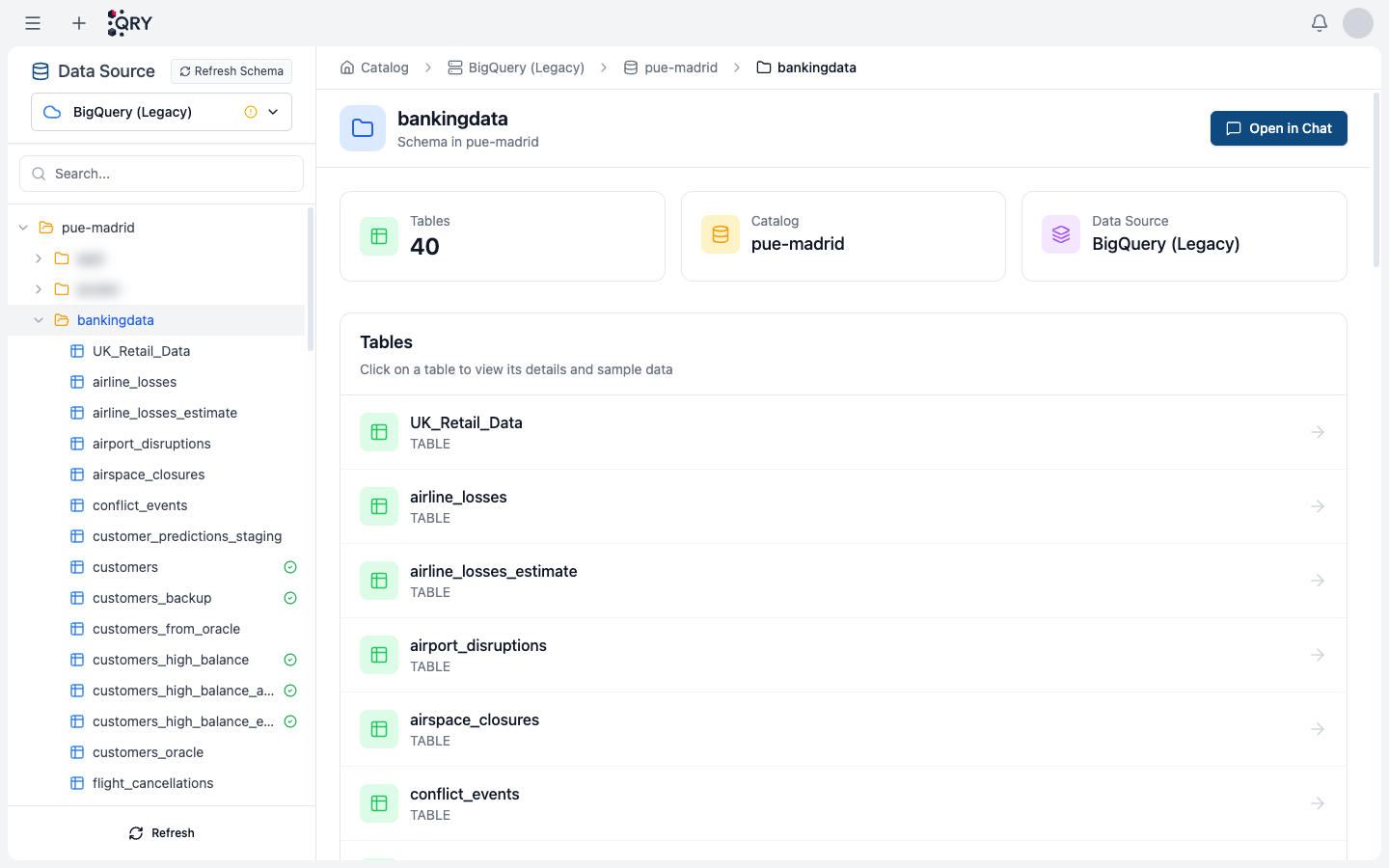
The right panel summarises the schema: number of tables, parent catalog, parent datasource. The table list lets you preview any table's columns and a sample of its data without leaving the catalog.
4. Open in chat
Click Open in Chat in the top-right. QRY creates a new conversation bound to this schema and you start asking questions.
Switching datasource mid-conversation
You can rebind a running conversation to a different schema, but the conversation history references schema names from the previous binding. If you ask QRY to "show me the same again on the new schema", it'll do its best, but it may surface confusing answers when table names or column names don't line up. For unrelated queries, prefer starting a fresh conversation.
To rebind:
- Open the Catalog from the menu (the conversation stays open in the background).
- Navigate to the new schema.
- Click Open in Chat.
QRY creates a new conversation; the previous one stays in your history.
Common issues
The datasource I expected isn't in the dropdown. You don't have an RBAC grant for it. Contact your administrator. See Connecting databases for the admin side.
The datasource is there but the catalog tree is empty. You have datasource-level access but no catalog-level grants. Some tenants configure RBAC at the catalog or schema level — your admin can extend or refine the grant.
A table is in the schema but a query against it errors with "permission denied". Table-level grants and ABAC tag policies operate independently of schema-level access. Your admin can tell you which rule is hiding the row or column.
The "Refresh Schema" button doesn't pick up a new table. Schema is cached for performance. Refresh Schema invalidates the cache and re-fetches; if a brand-new table doesn't appear after that, it's a metadata propagation lag in the upstream system (BigQuery / Snowflake / etc.) — usually under 60 seconds.
See also
- Starting a conversation — the end-to-end first-conversation walkthrough.
- SAP module integration — the extra module level for SAP HANA.
- RBAC — how datasource / catalog / schema / table grants work.
- Database connectivity reference — every database driver QRY ships with.